
In today’s tech-centric world, mobile phones are essential for almost everything we do—work, socializing, entertainment, and more. But let’s face it: no matter how great the features are, a screen issue is one of the worst things that can happen to your phone. Whether it’s a cracked screen, an unresponsive touch, or even a full-blown blackout, screen problems can severely affect your phone’s functionality and ruin the user experience. But don’t panic—this guide will walk you through the most common mobile screen problems, what causes them, and, most importantly, how to fix them.
Why Mobile Screen Health is Vital for Your Device’s Functionality and User Experience
The screen is the most critical part of your phone. It’s where you interact with the device, watch videos, browse social media, send messages, and play games. A healthy screen means enjoying your phone to the fullest without interruptions. A broken or malfunctioning screen? Not so much.
A working screen allows you to touch, swipe, and scroll easily. It also ensures that you can read your messages, watch your favourite videos, or view those adorable cat memes. So, keeping your phone screen in tip-top shape is vital to making the most of your phone.
Common Mobile Screen Issues
The most common mobile screen problems that can seriously hinder your phone experience:
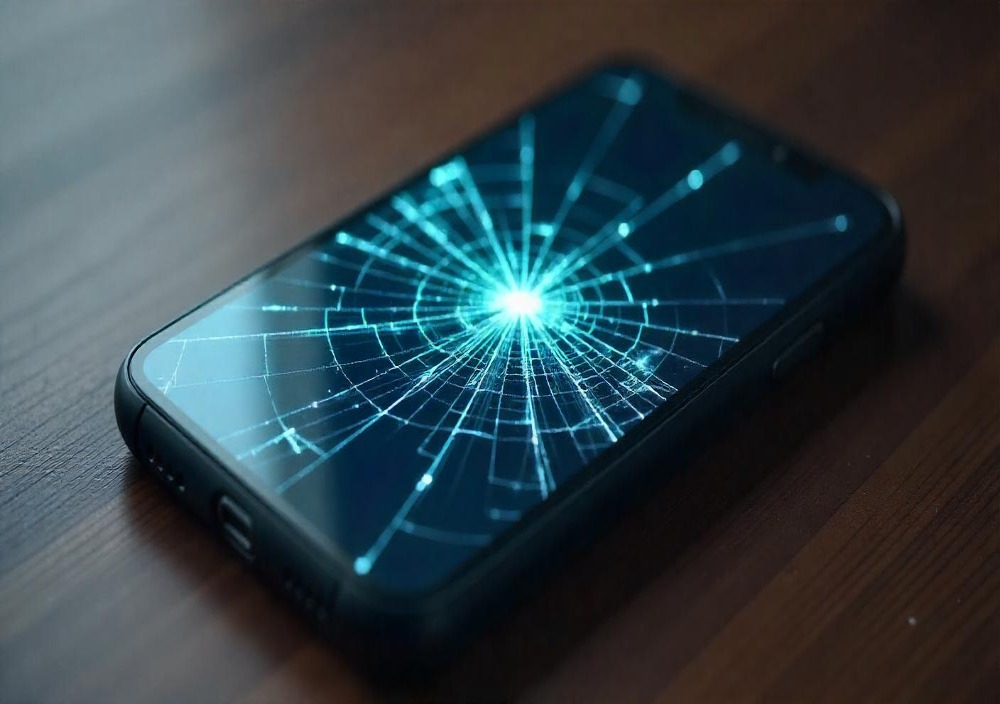
1. Cracked or Shattered Screen
This one’s pretty obvious. A cracked mobile screen is one of the most common issues. You drop your phone, it lands face down, and boom—crack city.
2. Unresponsive Touchscreen
Ever tried to scroll or tap, only to have the screen ignore you? Frustrating!
3. Dead Pixels
If you see tiny black or coloured spots on your screen that don’t change, they’re probably dead pixels.
4. Screen Flickering
Flickering or flashing can happen due to software or hardware glitches, and it’s enough to drive anyone mad.
5. Color Distortion
Sometimes, your screen’s colours can look off. Red might appear pink, blue could turn purple, and so on.
6. Burn-in or Ghosting
When an image stays on your screen for too long and becomes faintly visible even after you’ve moved on, that’s burn-in or ghosting.
7. Screen Blackouts
If your screen suddenly goes black or you get nothing but a blank screen, it’s time to troubleshoot!
8. Touch Sensitivity Issues
When your screen becomes too sensitive or not sensitive enough, using your phone can be a headache.
9. Vertical/Horizontal Lines on Screen
These lines can appear after a drop or due to internal damage. Sometimes, they’re just annoying; other times, they make the screen unreadable.
10. Water Damage
Oops, your phone fell into the water. Water damage can cause the screen to malfunction, making it flicker, blackout, or even stop responding.
11. Touchscreen Lag
If your phone’s touch screen responds slower than usual, that’s lag. It can make texting or gaming feel like a slow-motion movie.
Common Causes of Mobile Screen Problems
It’s essential to understand what causes these issues so you can avoid them in the future. Here are some of the most common causes:
1. Physical Damage
Accidents happen! A drop or impact can easily crack or damage your screen, and even minor drops can affect its performance.
2. Manufacturing Defects
Sometimes, the issue is built right into the phone. These defects can cause dead pixels, unresponsive touchscreens, or screen flickering out of the box.
3. Software Issues
Not every screen problem is physical. Software bugs or outdated software can affect how your screen behaves.
4. Environmental Factors
Exposure to extreme temperatures, moisture, or dust can damage your screen and its responsiveness.
5. Aging Hardware
As your phone gets older, the screen may naturally wear down. This is especially true for OLED and AMOLED displays, which can suffer from burn-in or colour distortion over time.
How to Fix Common Mobile Screen Problems
Now that you know the issues and their causes, let’s dive into how to fix them. Here are solutions for the most common screen problems.
1. Cracked or Shattered Screen
Temporary Fix: If it’s just a tiny crack, apply a screen protector to prevent further damage or use tape until you can fix it.
Permanent Fix:
- DIY: If you’re comfortable with it, you can replace the screen yourself. There are plenty of screen replacement kits and guides online.
- Professional Repair: If you’re not ready to tackle a DIY fix, take your phone to a professional or your phone’s manufacturer’s service centre.
2. Unresponsive Touchscreen
Fixes:
- Restart Your Phone: A quick restart can often fix touch issues caused by software glitches.
- Clean the Screen: Dirt, oil, or fingerprints can affect the touchscreen’s performance. Wipe it clean with a microfiber cloth.
- Remove the Screen Protector: A screen protector that is cheap or poorly applied can affect touch sensitivity.
- Software Update: Check for any software updates that may fix touch-related bugs.
- Factory Reset: If the problem persists, do a factory reset (but back up your data first!).
Repair: If none of the above works, the screen might need to be replaced.
3. Dead Pixels
Fixes:
- Software Solution: Apps like Pixel Fixer can help “unstick” minor dead pixels by cycling through colours. This only works in some cases, though.
- Professional Repair: If dead pixels are still visible after trying the app, you must replace the screen
4. Screen Flickering
Fixes:
- Restart Your Phone: Sometimes, flickering is just a glitch that can be fixed by restarting your phone.
- Display Settings: Lower your screen brightness or turn off adaptive brightness.
- Software Update: Check for software updates or patches related to display issues.
- Uninstall Problem Apps: If the flickering started after installing an app, uninstall it and see if that helps.
- Factory Reset: A factory reset might do the trick if all else fails.
Repair: If flickering is caused by hardware damage, professional help will be required.
5. Color Distortion
Fixes:
- Restart Your Phone: A reboot can fix minor colour issues caused by software glitches.
- Update Your Phone: The latest software can sometimes solve colour distortion.
- Display Settings: Check that settings like Night Mode or color filters aren’t causing the issue.
Repair: If colour distortion is severe or happens after a drop, it’s time to replace the screen.
6. Burn-in or Ghosting
Fixes:
Use a Screen Saver: This will help keep your screen moving and prevent burn-in.
- Turn on Pixel Shift: Some phones offer a “pixel shift” feature to avoid burn-in.
- Use OLED Saver Apps: These apps help prevent burn-in by cycling pixels at a regular rate.
Repair: If the burn-in is too severe, a full-screen replacement may be necessary.
7. Screen Blackouts
Fixes:
- Soft Reset: Try restarting your phone to clear any temporary glitches.
- Force Restart: Hold the power and volume down buttons to force a restart (this is helpful for Android users).
- Check Software Updates: Sometimes, software updates fix bugs that cause blackouts.
- Display Settings: Ensure your brightness settings are standard.
Repair: Professional repair will be needed if the screen is physically damaged.
8. Touch Sensitivity Issues
Fixes:
- Clean the Screen: Dirt, moisture, and oil can affect the sensitivity. Wipe it down with a microfiber cloth.
- Remove the Screen Protector: A poorly fitted protector can mess with sensitivity.
- Disable Special Modes: If your phone has “Glove Mode” or “Touch Sensitivity” mode, try disabling them.
Repair: If the issue persists, a new screen may be necessary.
9. Vertical/Horizontal Lines on Screen
Fixes:
- Restart Your Phone: A reboot can sometimes resolve screen glitches.
- Remove Screen Protector: A bad protector can cause visual distortions.
- Test in Safe Mode: This helps determine if an app is causing the issue.
- Software Update: Update your phone’s software to eliminate bugs.
Repair: If the lines are due to hardware damage, you’ll likely need to replace the screen.
10. Water Damage
Immediate Steps:
- Turn Off Your Phone: This is crucial to prevent further damage.
- Dry It: Use a cloth to dry it off and remove excess water.
- Please leave it to Dry. Let it sit in a dry place for at least 24 hours.
Professional Help: If water damage is severe, take your phone to a professional for internal cleaning.
11. Touchscreen Lag
Fixes:
- Close Background Apps: Too many apps open can slow down your phone.
- Clear Cache: This helps improve your phone’s performance.
- Software Updates: Make sure your phone is running the latest software version.
Repair: If hardware issues cause lag, you’ll need a new screen.
How to Prevent Screen Problems in the First Place
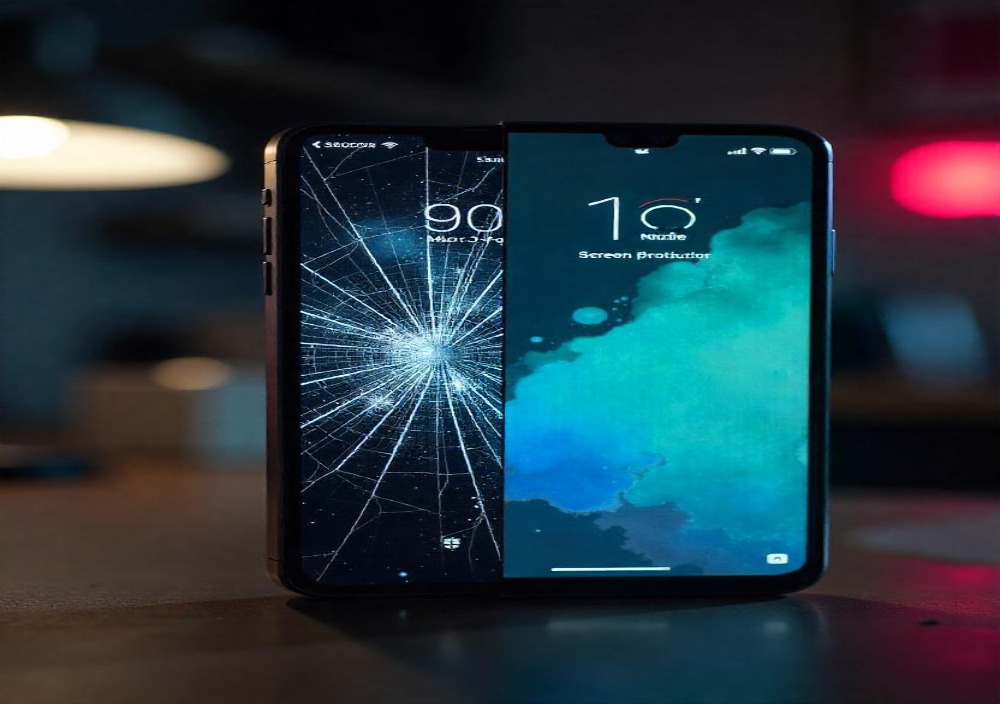
Preventative Measures
Use a Screen Protector: Protect your screen from scratches and minor drops.
Apply a Case: A good case can prevent screen cracks and other damage from accidental falls.
Regular Software Updates: Keep your phone updated to prevent software-related screen issues.
To avoid Overheating, Don’t leave your phone in hot environments (like a car on a sunny day).
Cleaning and Maintenance
Keep your screen clean to avoid issues with touch sensitivity and clarity.
When to Seek Professional Help
Suppose you’re dealing with a complex issue or internal hardware damage (like water damage or severe screen burn-in). In that case, it’s best to get professional help. Additionally, using your warranty or insurance can reduce repair costs if your phone is still under warranty.
How to Choose the Best Repair Option for Your Brand
When choosing a repair service, always consider:
- Authorized Service Centers: For the most reliable repairs, go with the official service centre for your brand.
- Third-Party Shops: If you’re out of warranty or want a quicker fix, third-party repair shops can be a good option—ensure they have good reviews.
Mobile screens can be a pain when they start having issues, but with the proper knowledge, most problems can be fixed quickly. Knowing how to troubleshoot can save you time and money, whether it’s a cracked screen, unresponsive touchscreen, or dead pixels. If all else fails, don’t hesitate to get professional help—your phone’s screen is worth the investment!
Leave A Comment