
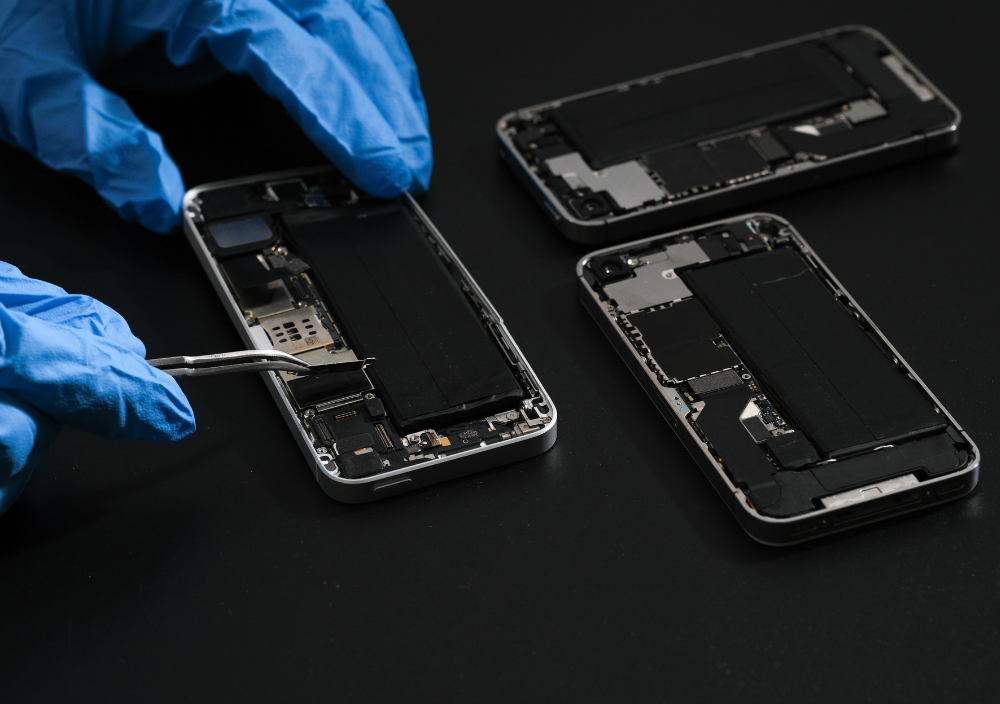
Your mobile phone is essential to your daily life—it keeps you connected, entertained, and productive. But what happens when it stops charging? A faulty charging port can be frustrating, but how do you identify the real issue?
This guide will help you understand the signs of a damaged charging port, why your phone may not be charging, and what you can do to fix it. Now, we discuss about How to Know If Your Mobile Charging Port Needs Repair.
Common Signs That Your Mobile Charging Port Might Need Repair

Your phone’s charging system includes the USB-C, Lightning port, or Micro-USB connector, which interacts with the battery management system (BMS). If you’re experiencing charging issues, look for these red flags:
- Loose Connection – The charging cable doesn’t stay in place, feels wobbly or disconnects frequently.
- Inconsistent Charging – Your phone only charges at a certain angle, indicating a loose or broken port pin.
- No Charging Response – The charging IC chip or power circuit may be compromised if your phone doesn’t recognize the charger.
- Debris Buildup – Dust, lint, or dirt inside the charging slot can block the connection.
- Overheating While Charging – A damaged charging port might generate excess heat, affecting the battery life cycle.
- Physical Damage – Bent, broken, or corroded connectors inside the charging port assembly indicate serious issues.
If you notice these symptoms, your charging port may require repair.
Why Your Phone Isn’t Charging and What You Can Do About It
A non-charging smartphone doesn’t always mean a faulty USB-C port. Other factors might be causing the problem, including power supply issues, firmware glitches, or hardware failures.
Troubleshooting Steps
Test Another Charger & Cable – Sometimes, the issue is with a faulty power adapter or a damaged USB cable. Try switching them.
Clean the Charging Port – Use compressed air or a soft brush to remove dust and debris.
Restart Your Device – A software glitch in the power management system might be causing the problem.
Update Your Phone’s Software – Older firmware versions can lead to charging malfunctions.
Check for Liquid Damage – If your phone has been exposed to moisture, the charging port circuit might be shorted or corroded.
If these fixes don’t work, the problem likely lies in the charging port hardware.
DIY Charging Port Fixes vs. Professional Repair: What’s Best?
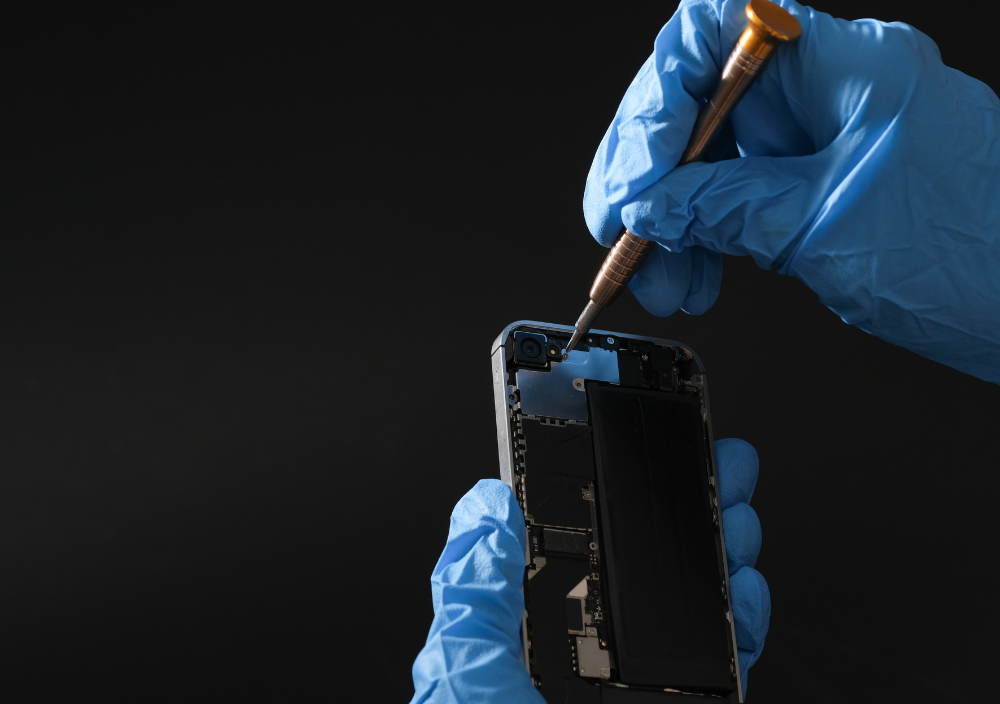
If you suspect your charging port is damaged, you can fix it yourself or seek professional repair services.
DIY Fixes
Use a toothpick or compressed air to clean the port.
Check for loose connections and try gently adjusting the cable.
Switch to wireless charging (if supported) as a temporary solution.
Risk: Tampering with internal components without expertise may worsen the issue.
Professional Repair
Technicians can diagnose and replace faulty components, such as the charging module, power IC, or battery connector.
Certified repair services ensure longevity with genuine parts.
Warranty options may cover the cost if your device is under manufacturer protection.
Downside: Professional repair costs more but ensures lasting fixes.
If you’re uncertain, it’s always safer to consult a professional.
How a Damaged Charging Port Can Affect Your Phone’s Performance

A malfunctioning charging port can lead to broader smartphone issues, such as:
Battery Degradation – Irregular charging can reduce battery efficiency over time.
Overheating Problems – Faulty ports increase resistance, causing heat buildup.
Data Transfer Failures – A damaged port might prevent USB data transfer, affecting backup and sync operations.
Total Power Loss – Ignoring the issue may lead to a non-functioning device.
Addressing charging port problems early can extend your phone’s lifespan.
Step-by-Step Guide to Diagnosing Charging Port Issues
If your phone isn’t charging, follow these diagnostic steps:
Test Different Cables & Adapters – Ensure the charger isn’t the culprit.
Shine a Flashlight into the Port – Look for dust, corrosion, or bent pins.
Try Wireless Charging – The charging port is likely faulty if wireless works but wired doesn’t.
Test a Different Power Outlet – The charging issue might be external.
Gently Wiggle the Charger – The port is loose or broken if charging stops when moving the cable.
What Causes a Mobile Charging Port to Stop Working?
Several hardware and environmental factors can damage the charging port:
Frequent Plugging & Unplugging – Accelerates wear and tear on port contacts.
Using Cheap Chargers – Low-quality accessories can short-circuit the port.
Moisture & Corrosion – Water exposure can damage the metal connectors.
Dirt & Debris Buildup – Pocket-lint or dust can block the port.
Physical Damage – Dropping your phone or forcefully inserting the charger can break the internal connectors.
When should you repair or replace a faulty charging port?Consider Repair If:
️ The port is just dirty or slightly loose.
The issue is intermittent and can be fixed with a minor adjustment.
Consider Replacement If:
️ The port is completely broken, or pins are missing/corroded.
Your phone only charges when the cable is held in a particular position.
A professional technician can assess the severity and recommend the best solution.
Prevent Charging Port Damage: Tips to Extend Its Lifespan
To keep your charging port functional:
Use high-quality charging cables and adapters.
Avoid charging in damp or dusty environments.
Insert the cable gently to prevent internal damage.
Unplug by gripping the plug, not the cable.
Store your phone in a clean, dry place.
Consider using a wireless charger to reduce wear.
How Much Does It Typically Cost to Repair a Charging Port?
The cost of mobile charging port repair varies by phone model and service provider:
DIY Fix (Cleaning): $0 – $10
Third-Party Repair Shops: $30 – $80
Official Brand Repairs (Apple, Samsung, etc.): $50 – $150
Compare prices and warranty options before choosing a repair service.
Is It Safe to Use a Phone With a Damaged Charging Port?
Not really. Continuing to use a faulty port can cause:
Battery Strain & Overheating
Intermittent Charging Damage
Short Circuits & Potential Safety Hazards
If your mobile charging port needs repair shows warning signs, address the issue ASAP.
A broken charging port doesn’t mean your phone is dead. Identifying the issue early and choosing the correct repair method can save time and money. Whether you try a DIY fix or opt for a professional repair, don’t ignore the problem—a quick fix now can prevent more significant issues later.
Leave A Comment