

Your phone’s motherboard, also known as the logic board or main printed circuit board (PCB), is the most essential internal component. It connects your screen, camera, memory, processor, charging port, and more. When this central unit begins to fail, your entire phone can behave abnormally—even stop working altogether.
One of the most common warning signs of a failing motherboard is when your phone won’t turn on, even after a full charge. Suppose there is no vibration, sound, or screen activity, and the battery is healthy. In that case, it likely indicates a logic board failure. Another sign is charging issues—your phone may not charge at all, may overheat during charging, or charge only when the cable is positioned at a certain angle. These issues often stem from damage to the charging IC (Integrated Circuit) or loose soldering joints on the mainboard.
You might also notice that certain functions, like the camera, touchscreen, or speaker, stop working without warning. These parts rely on proper connections to the motherboard. If your phone restarts randomly, freezes during use or becomes unusually hot, these could be signs of a damaged CPU, power IC, or memory chip—all of which are located on the logic board.
Finally, if your phone displays a black screen, shows “No SIM,” or refuses to connect to a network, the baseband processor or display connector on the motherboard might be faulty. All of these symptoms suggest internal damage that typically requires chip-level repair by a qualified mobile technician.
Ignoring these signs can lead to data loss, permanent damage, and expensive repairs. It’s best to get your device professionally checked when these symptoms first appear.
Symptoms That Point to a Failing Motherboard

A damaged motherboard does not always die suddenly. It usually gives you early warning signs. Here are the most common ones:
1. The Phone Does Not Turn On
When the motherboard is badly damaged or short-circuited, your phone might not respond at all.
- The screen stays black
- No charging light
- No vibrations or sounds
If the battery is fully charged and the phone still does nothing, the issue may lie deep in the mainboard circuit.
2. Charging Problems
The phone might not charge even when using a good charger and cable. Or it may charge slowly or only at certain angles.
This often occurs when the charging IC (Integrated Circuit) on the motherboard is damaged or when the charging port becomes disconnected due to a soldering failure.
3. Camera, Screen, or Speaker Not Working
Sometimes, parts like the front camera, touchscreen, or ear speaker stopped working.
Suppose these problems appear suddenly, and a factory reset or software update does not resolve the issue. In that case, it may be due to circuit line damage or a broken connector pin on the motherboard.
4. Overheating
A phone that becomes very hot during regular use is a serious red flag.
Thermal damage inside the motherboard can cause permanent harm. Overheating may be linked to power IC failure, which disrupts the voltage supply to the phone’s components, causing them to malfunction.
5. Freezing or Rebooting Randomly
If your phone freezes, crashes, or restarts by itself, the issue may be related to the motherboard.
This might involve the CPU, memory chip, or firmware corruption in the internal memory, all of which are connected to the logic board.
6. No SIM Detection or Network Signal
Your phone might show messages like “No SIM card” or “Searching for network,” even if the SIM is fine.
This could indicate issues with the baseband IC, a chip on the motherboard that is responsible for mobile signal processing.
7. Blue or Black Screen of Death
Your screen turns solid blue or black and refuses to respond. Sometimes, you hear sounds or feel vibrations but see nothing.
This is usually a sign of a graphic IC failure, damaged display connector, or corrupted boot ROM.
Common Motherboard Issues in iPhones and Android Phones
Both iOS and Android phones are vulnerable to motherboard problems. Here are some examples:
iPhones
-
The iPhone 7 and 8 sometimes suffer from Audio IC failure, which can result in no sound during calls.
-
Touch disease occurs when the Touch IC stops working, making the screen unresponsive.
-
Tristar IC issues affect the ability to charge or sync with a computer.
Android Phones
-
Some Samsung and Xiaomi phones experience boot loop issues, where the phone repeatedly restarts.
-
Huawei and Oppo phones may fail to detect SIM cards due to errors in the network chip.
-
Others may show screen artifacts or camera failure due to mainboard crack or heat stress.
These problems often require chip-level motherboard repair from a trained mobile repair technician.
Is Your Phone Acting Weird? Try This First
Before assuming the worst, try a few simple steps:
-
Restart the phone.
-
Use a different charger and cable.
-
Remove and reinsert the SIM card.
-
Update the software.
-
Perform a factory reset after backing up your data.
If the issues persist, it could be due to the motherboard.
How Long Can You Use a Phone With a Damaged Motherboard?
Some people manage to use their phones with minor issues for weeks or even months. But this is risky.
For example, suppose the issue is related to the charging port. In that case, the phone may run out of battery and be unable to charge again. If it’s a display connection problem, the screen may go black at any time.
The longer you wait, the greater the chance of data loss, especially if the internal storage chip is part of the failure.
What Causes Motherboard Failure?
Here are the most common causes of mobile motherboard damage:
-
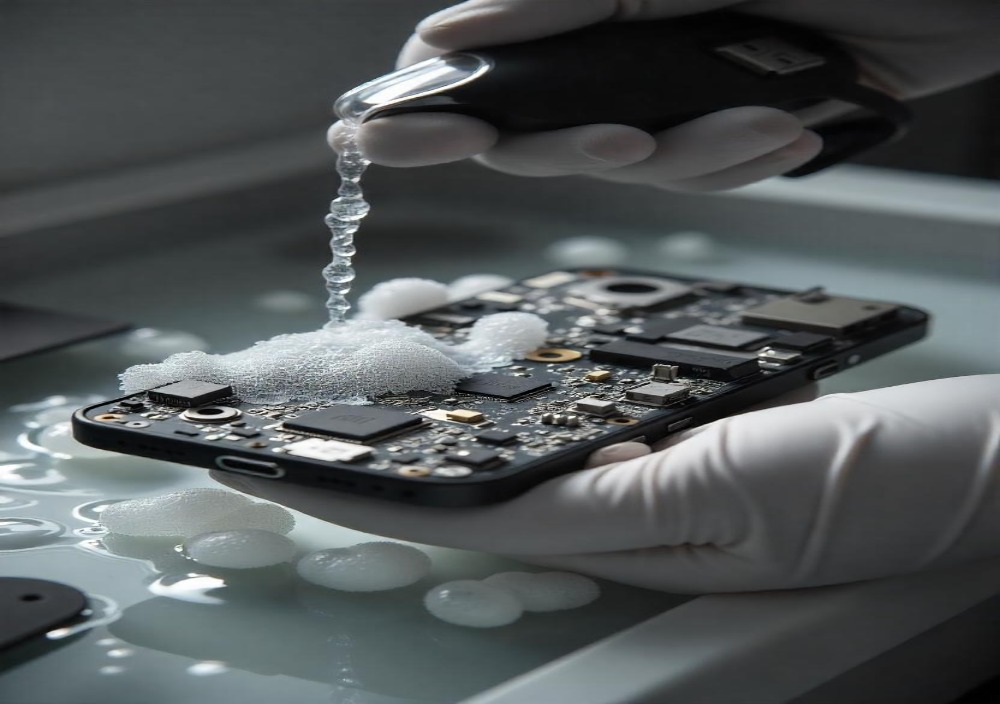
Liquid damage: Spilling water or using the phone in high-humidity areas without protection.
-
Heat exposure: Leaving the phone in direct sunlight or gaming for hours can cause thermal breakdown.
-
Physical drops: Dropping your phone can crack internal soldering joints and cause micro-fractures.
-
Electrical surge: Using non-certified chargers can send the wrong voltage, potentially damaging the logic board.
-
Manufacturing defects: Some phones are shipped with poor-quality or unstable integrated circuits (ICs) that fail prematurely.
The Danger of Overheating
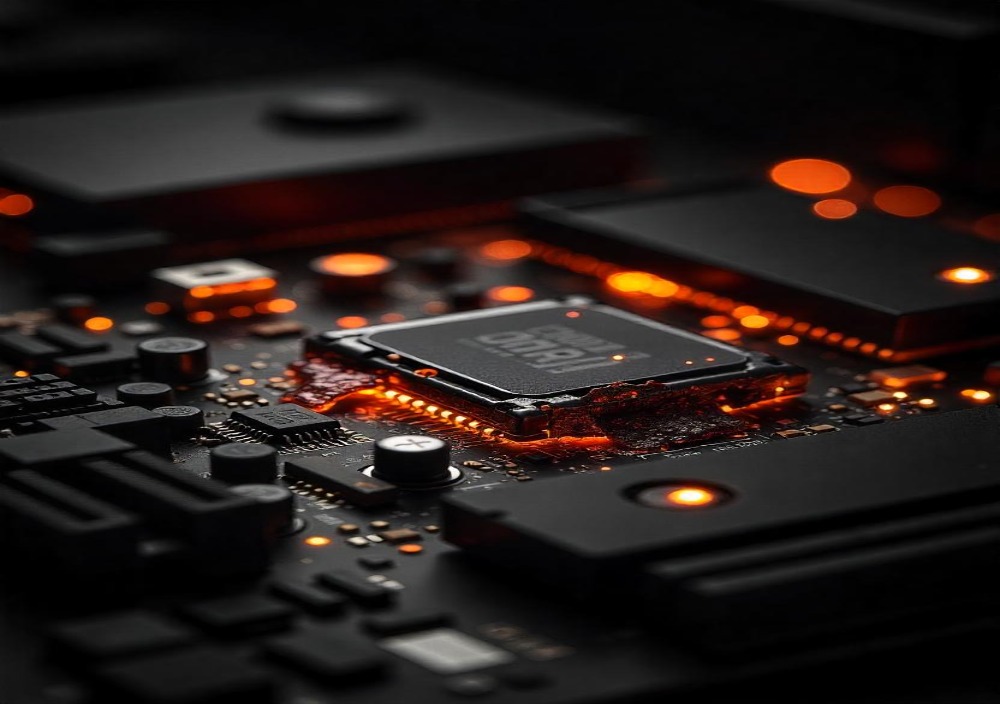
Overheating is a big enemy of mobile hardware.
-
It can melt soldering joints.
-
It weakens the circuit paths on the logic board.
-
It affects the power supply chips, which in turn cause ripple effects on performance.
If your phone gets hot even while idle, stop using it and get it checked immediately.
Why You Should Not Ignore a Failing Motherboard
Using a damaged motherboard can put more than just your phone at risk.
-
You can lose all your photos, messages, contacts, and documents.
-
A power short circuit can cause the phone to stop responding or even swell the battery.
-
Ignoring the issue could make repair impossible later and result in additional costs.
If you use your phone for work, communication, or banking, do not delay a check-up.
Should You Repair or Replace the Phone?
If your motherboard is gone, you have two choices.
Repair the Motherboard
-
It is ideal if your phone is expensive or under warranty.
-
Requires micro-soldering and skilled hands.
-
The cost may range from $50 to $150, depending on the brand.
-
Repair is not always permanent. Some issues may return after months.
Replace the Phone
-
It is better if your phone is old, outdated, or already showing other hardware issues.
-
New phones come with updated features, longer battery life, and warranty coverage.
-
It costs more initially but saves money in the long run if the old one has repeated failures.
Listen Before It’s Too Late
Your phone often warns you before it gives up completely.
If you notice unusual behavior, do not ignore it. A slow screen, random shutdowns, or overheating are not just annoyances; they can also be signs of a more serious issue. They are signs of deeper problems — often in the motherboard.
Get it checked by a professional chip-level technician. Save your data. Fix your phone early.
Because one day, it might not turn back on.
Leave A Comment