
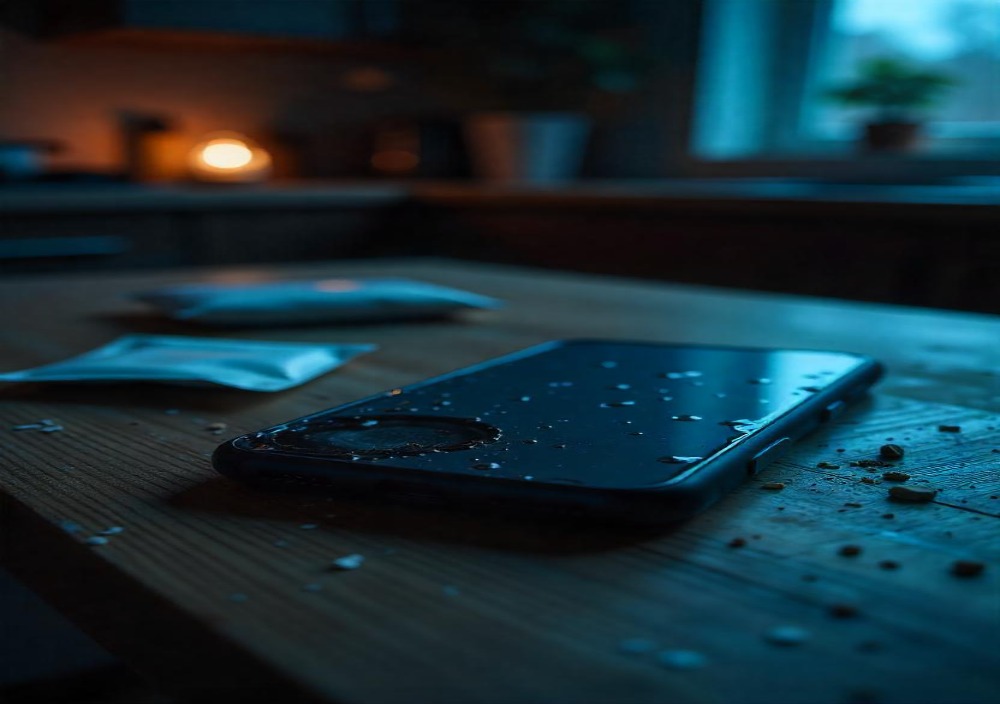
Dropped your smartphone—whether it’s an iPhone, Samsung Galaxy, Google Pixel, or another Android device—into the sink, pool, or toilet? Don’t panic. If you’re wondering what to do if your phone gets water-damaged, the first and most crucial step is to power it off immediately. This prevents short-circuiting within the logic board and protects critical components, such as the battery, motherboard, and display panel. Avoid pressing any buttons or connecting it to a charger, as this can cause more damage. Remove the protective case, SIM card, microSD card, and, if your phone allows it, the removable battery. Dry the phone’s exterior with a soft, lint-free cloth, paying extra attention to the USB-C port, Lightning port, speaker grills, and headphone jack—all common areas for water intrusion. Stand the device upright to allow gravity to help expel internal moisture. Instead of using a hair dryer or heat source (which can damage internal circuits), place the phone in a ziplock bag with silica gel packets—a powerful desiccant used in electronics packaging. If silica is unavailable, uncooked rice can be a last resort, although it’s less effective and may leave dust behind. Let the phone rest for 24 to 48 hours before attempting to turn it back on. If it does power up, immediately back up data to Google Drive, iCloud, or a local hard drive. If the phone won’t start or shows signs of failure, such as a flickering screen, distorted audio, or charging issues, visit an authorized repair center for a professional assessment. Even water-resistant phones with an IP67 or IP68 rating can fail if exposed to salt water, chlorinated water, or after long-term wear. For future protection, consider using a waterproof case, dry bag, or nano-coating spray, and always keep automatic cloud backups enabled to protect important files.
How Do You Know Your Phone Has Water Damage?
Some signs are super obvious, and others are sneakier than a toddler with your unlock code. Look out for these clues that your phone might be suffering from liquid exposure:
- Flickering screen or black spots (aka screen artifacts)
- Speaker distortion – garbled, crackly audio from moisture in the audio output
- Camera fog – a cloudy or foggy camera lens means internal moisture
- Battery drainage or power issues – often linked to a short circuit.
- Charging port corrosion – look for green or white gunk around your USB-C or Lightning port.
- Moisture detection warning on newer Android or iOS devices
- A tripped Liquid Contact Indicator (LCI) – most phones (especially iPhones and Samsung devices) have this sensor in the SIM card tray. If it turns red or pink, the water’s been in there.
The First Thing to Do When It Gets Wet

Step away from the panic button and follow this rescue plan.
- Turn off your device immediately. Water and electricity don’t play nice.
- Remove your phone from the liquid fast. Don’t let it soak.
- Take off your phone case and any accessories.
- Dry the surface with a lint-free cloth or soft towel.
- Eject the SIM card and microSD card, if applicable.
- Open up any external slots to allow airflow.
- Set it upright so any remaining liquid can drain.
Whatever you do, DO NOT:
- Plug it in
- Shake it (can push water deeper)
- Heat it with a hair dryer (it warms the internal components and might damage your circuit board)
Should You Turn It Off Right Away?
Yes. Yes. And yes, again.
Why? Because once the water reaches the motherboard, and if the phone is still powered, you risk frying everything due to electrical shorts. Shutting it down helps prevent further hardware failure and increases the likelihood of a successful recovery.
Even if it is working fine, power it off and begin drying.
Putting It in Rice Helps
You’ve probably heard the classic: “Just toss it in rice.” It’s the old-school phone-saving myth. But here’s the honest tea:
- Uncooked rice is mildly absorbent but not very efficient
- It won’t remove water from deep inside the device
- Small particles from the rice can get lodged in your charging port
Better alternatives:
- Silica gel packets – like the ones in shoeboxes or vitamin bottles. These absorb moisture far more effectively.
- Dedicated phone drying kits – they’re legit and worth it.
- Air drying in a well-ventilated area with a fan
Rice is a backup option, not a miracle cure.
Parts That Need Extra Drying
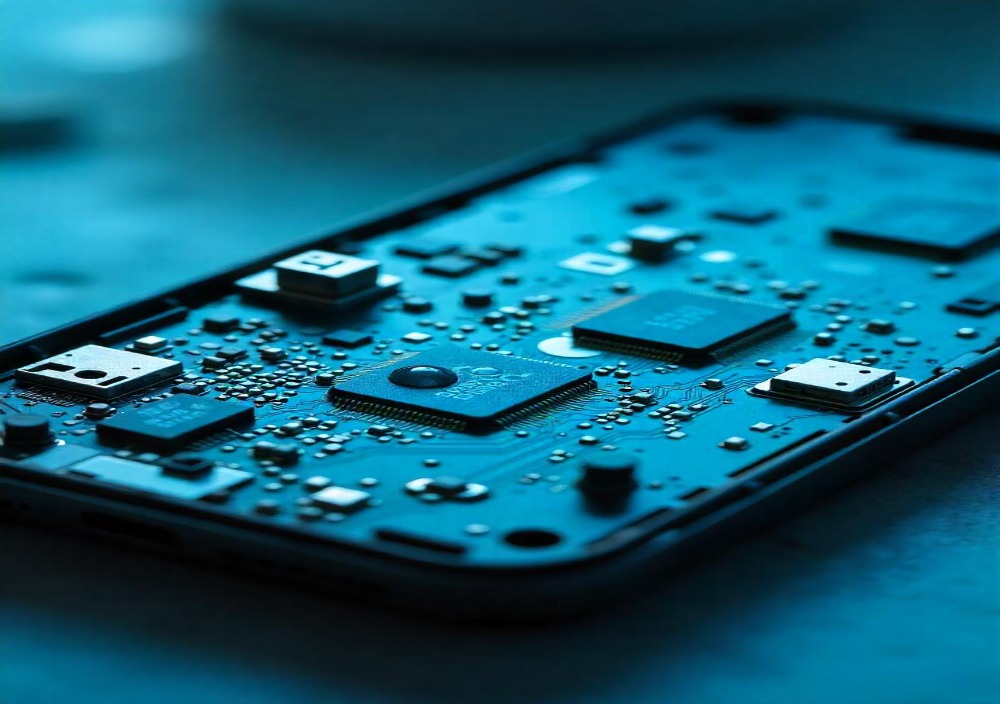
Water hides like a ninja. Focus on drying these trouble spots:
- Charging port (USB-C, Lightning, or Micro-USB)
- Speakers and microphones
- Around physical buttons (power, volume)
- SIM card slot and microSD slot
- Headphone jack (for older models)
- Any cracks or seams in the phone’s chassis
Use compressed air gently or a small vacuum cleaner (set to low) to gently draw water out. Never blow hot air into your device.
How Long Before You Can Turn It Back On?
Here’s where patience is key.
Let your phone air dry for at least 24 to 48 hours. That allows any moisture to evaporate completely. If you turn it on too soon, you risk damaging the logic board or internal sensors.
While drying:
- Keep the phone upright
- Avoid sealed containers (unless using drying packets)
- Check for moisture alerts or moisture detection notifications (on Samsung, Google Pixel, etc.)
Once dry, try booting it up. Fingers crossed. If it powers on, test:
- Touchscreen responsiveness
- Speakers
- Microphone
- Cameras
- Charging functionality
- Wi-Fi and Bluetooth signals
If anything’s acting off, it’s repair time.
When Should You Take Your Phone to a Repair Shop?

If it’s been more than 2 days and your phone is:
- Not turning on
- Stuck in a boot loop
- Showing screen artifacts or black spots
- Not charging or overheating
- Constantly crashing apps
…then yes, take it to a mobile phone repair shop that handles liquid damage restoration.
Good repair centers offer ultrasonic cleaning — a deep clean of the motherboard and connectors using special fluid and vibration tech. They may also inspect your battery health and replace corroded components.
Can You Save Your Data After Water Damage?
Maybe. And it’s often worth a shot.
- If the phone still powers on, immediately back up your photos, videos, contacts, and app data to the cloud (such as Google Drive, iCloud, or OneDrive).
- If it doesn’t boot, a repair technician may be able to use a chip-off data recovery method. That means extracting data directly from the internal memory chip.
To avoid heartbreak, always keep automatic cloud backups enabled. Losing a phone is one thing — losing all your baby photos? That’s soul-crushing.
Waterproof Phones Are Waterproof (But Not Really)
Let’s bust a myth: Your phone says it’s waterproof. It’s not invincible.
Most smartphones today have an IP rating, which tells you how resistant they are to dust and water:
- IP67 = water-resistant up to 1 meter for 30 minutes
- IP68 = up to 1.5 meters for 30 minutes or more, depending on the manufacturer
But these tests are done in labs — with clean, still water. Your phone wasn’t designed for use in saltwater, chlorinated pools, or dirty puddles. Plus, the gaskets and seals that protect your phone can weaken over time.
Yes, your iPhone 13 or Galaxy S23 can survive a splash but don’t take it scuba diving.
What Can You Use to Protect Your Phone?
Want to avoid ever dealing with this drama again? Here’s what helps:
- Waterproof phone cases like LifeProof, Catalyst, or OtterBox (look for IP68 or military-grade protection)
- Floating waterproof pouches – perfect for beach days or kayaking trips
- Dust plugs or charging port caps
- Phone insurance – check if your plan covers accidental water damage
- Moisture detection apps – some Android devices include sensor-based alerts
And let’s be real: Stop taking mirror selfies in the shower.
Is Backing Up Your Phone Worth It?
If this blog hasn’t convinced you yet, let me say it louder: YES. BACK IT UP.
Your phone holds your digital life: photos, contacts, apps, notes, passwords. Please don’t wait until water eats it all.
Do this now:
- Enable automatic cloud backups via iCloud, Google One, or Samsung Cloud
- Sync media to Google Photos or OneDrive
- Back up to your PC or Mac at least once a month
Losing a device is annoying. Losing memories and data is devastating.
Your phone didn’t ask to go swimming — but here we are. Reacting quickly and knowing what not to do can make the difference between a minor scare and a total loss.
Quick recap:
- Turn your phone off immediately after water contact
- Don’t charge it or blow dry it
- Use silica or air drying — rice is okay, but not ideal
- Please wait 48 hours minimum before turning it back on
- Watch for moisture signs and test every feature
- Go to a repair shop if it’s glitching
- Always back up your data (seriously)
And next time? Get a waterproof case and leave your phone out of the bathroom. You’ll thank yourself.
Leave A Comment